
Shipping iPhone Builds from Anywhere with Tailscale
A real-world experiment in using AI agents, Tailscale, Apple signing, and a private catalog to build and install iPhone apps while away from home.
Building While Away From Home
I was working on a few features when I had to leave the house for an event.
Once I arrived, I found myself bored and wanted to keep going. My laptop was still at home, so I used remote functionality to talk to it and continue building.
The agents could build the feature. But I still needed a way to test it.
That became the real problem. Without being on my local network, I had no convenient way to get the latest build onto my phone and verify that the feature actually worked.
The Question
Could an agent build an iPhone app on my Mac, sign it locally, and deliver it to my phone over a private network?
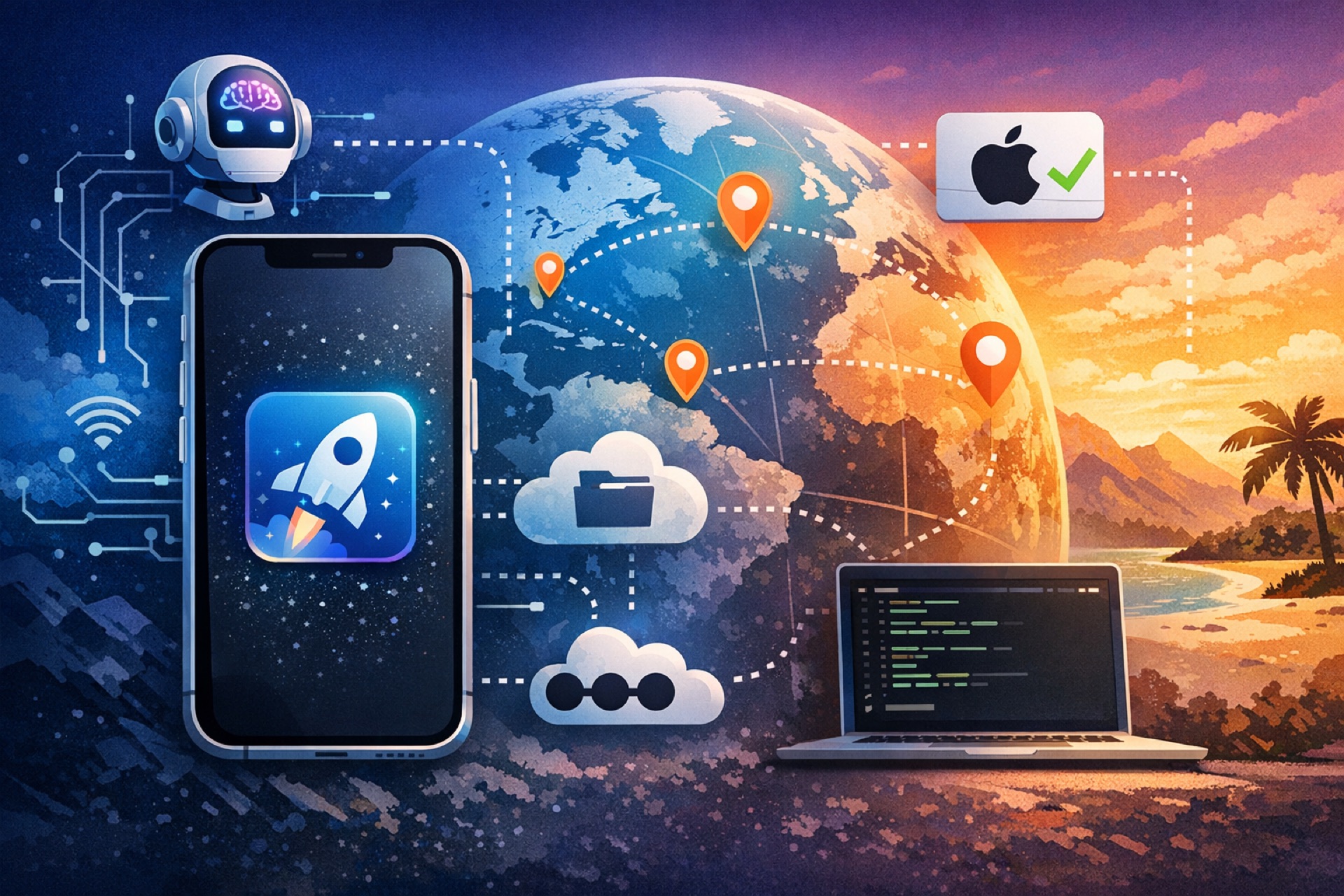
My first instinct was that Tailscale might make this possible. It could provide encrypted connectivity between my phone and laptop, even when I was away from home.
The basic idea seemed straightforward:
- The agent builds the app on my Mac.
- The Mac signs it using my existing Apple certificate.
- The build is placed in a small private catalog.
- My phone reaches that catalog through Tailscale.
- I tap an install link and test the new version.
The First Attempt
I asked Fable 5 to figure out how to make it work.
After thinking for a while, it gave me a flat answer: this was not possible and was not allowed.
That answer was disappointing, but it did not feel complete. I understood that Apple’s signing and installation rules mattered. Still, I wondered whether the proposed workflow was being rejected too broadly.
If it works over my home network, why should a private Tailscale network make it impossible?
Tailscale would not bypass Apple’s requirements. It would only provide the connection between devices. The app would still need to be built, signed, and installed through a valid process.
A Second Opinion
I gave the task to GPT 5.6 Sol.
It thought through the problem for roughly 15 to 20 minutes. The result surprised me. Instead of stopping at a general restriction, it worked through the individual pieces of the workflow and found a path that matched what I was trying to do.
The solution was to have my Mac host a small private catalog. My phone could reach that catalog through Tailscale, creating encrypted connectivity between the two devices.
The network made the catalog reachable from almost anywhere, while the Apple signing process remained the mechanism that established whether the app could be installed.
How the Installation Flow Works
The agent automated the sequence I would normally perform by hand:
- Build the application.
- Sign the app with my certificate on the Mac.
- Add the resulting package to the private catalog.
- Generate an Apple ITMS installation link.
- Return that link so I can open it on my phone.
When I tap the link, the phone requests the manifest and the IPA from the catalog.
Apple verifies the app’s signing information, and the device proceeds with installation when the build and signing setup are valid. The important distinction is that Tailscale handles reachability, while Apple’s signing process handles trust and installation eligibility.
From Build to Device
The final experience is remarkably simple:
The agent builds the app, signs it, publishes it, and gives me a link. I tap the link, install the app, and test it.
The complexity stays on the Mac. The interaction on the phone is reduced to opening the install link and waiting for the build to arrive.
This changes the meaning of remote development.
It is not only about controlling a computer from a distance. The more useful loop is:
- Describe or refine a feature.
- Let the agent implement it.
- Have the Mac create a signed build.
- Install that build on a real device.
- Test it and continue iterating.
Why the Setup Matters
The breakthrough was not a mysterious workaround. It came from separating the problem into clear parts.
- Development: the agent modifies and builds the app.
- Signing: the Mac uses the developer credentials already available locally.
- Hosting: a private catalog serves the manifest and IPA.
- Connectivity: Tailscale links the phone and Mac across networks.
- Installation: the phone uses Apple’s supported ITMS-style flow.
There are still practical boundaries.
The Mac must be available, the signing setup must be valid, the phone must be able to reach the private network, and the catalog should not be exposed carelessly. A private network improves access control, but it does not remove the need to protect certificates, devices, and installation links.
The Bigger Lesson
One agent said the goal could not be done. Another kept working through the details until it found a viable architecture.
The difference was not simply intelligence. It was the willingness to decompose the task, distinguish restrictions from assumptions, and test whether each part could be connected without violating the underlying requirements.
Sometimes the useful answer is hidden behind an overly broad “you can’t.”
The better question is often: Which exact part is impossible, and which parts are merely inconvenient?
In this case, remote access, private networking, local signing, hosting, and device installation could be combined into a workflow that let me keep building from anywhere.
From Anywhere
Whether I am at home, 100 miles away, or 1,000 miles away, the workflow is the same.
The agent continues the implementation. My Mac produces the signed build. Tailscale provides the private path. My phone receives the app, and I can test the feature on real hardware instead of waiting until I return home.
What Changed
Before this experiment, remote development stopped at the laptop. After it, the process reached all the way to the device in my hand.
That is what made the result feel so powerful: the distance between an idea and a testable build became much smaller.